Enclave Clubhouse/Pool Key Request
The Enclave HOA has a clubhouse and pool that requires a key to access. If you need a key, please submit the form below for one of the board members to get you a digital key.
If you require immediate assistance, contact the board here.
NOTES:
- Only Home Owners may request keys even for their adult children. The form below allows you to specify who the key is for.
- Keys will only be issued to those 13 years and older. All children 12 years old and younger must be accompanied by an adult.
- The Old Kevo lock is no longer there and you will need to request a new key here. You will need to request a new key here to get access.
Request a Key
Read Instructions
Frequent Questions
Request Form
Instructions
If you have made a request using the form above, please allow 24-72 hours before we can process these as we have to issue them manually.
Below are the basic instructions and things you should expect to get access to the clubhouse/pool key.
Step 1
Once added, you will get a text message like the following directly from Engage/Schlage/Allegion, the key manufacturer.

Step 2
Download the Schlage Mobile Access app from either the iOS (Apple) or Android Play Store
Apple Store
Android Google Play

Step 3
Once you open the Schlage Mobile Access app for the first time, there are a few things you will be prompted to do:
- Accept terms of service
- Enable bluetooth (required for the key to work)
- Tutorial
- Download credentials
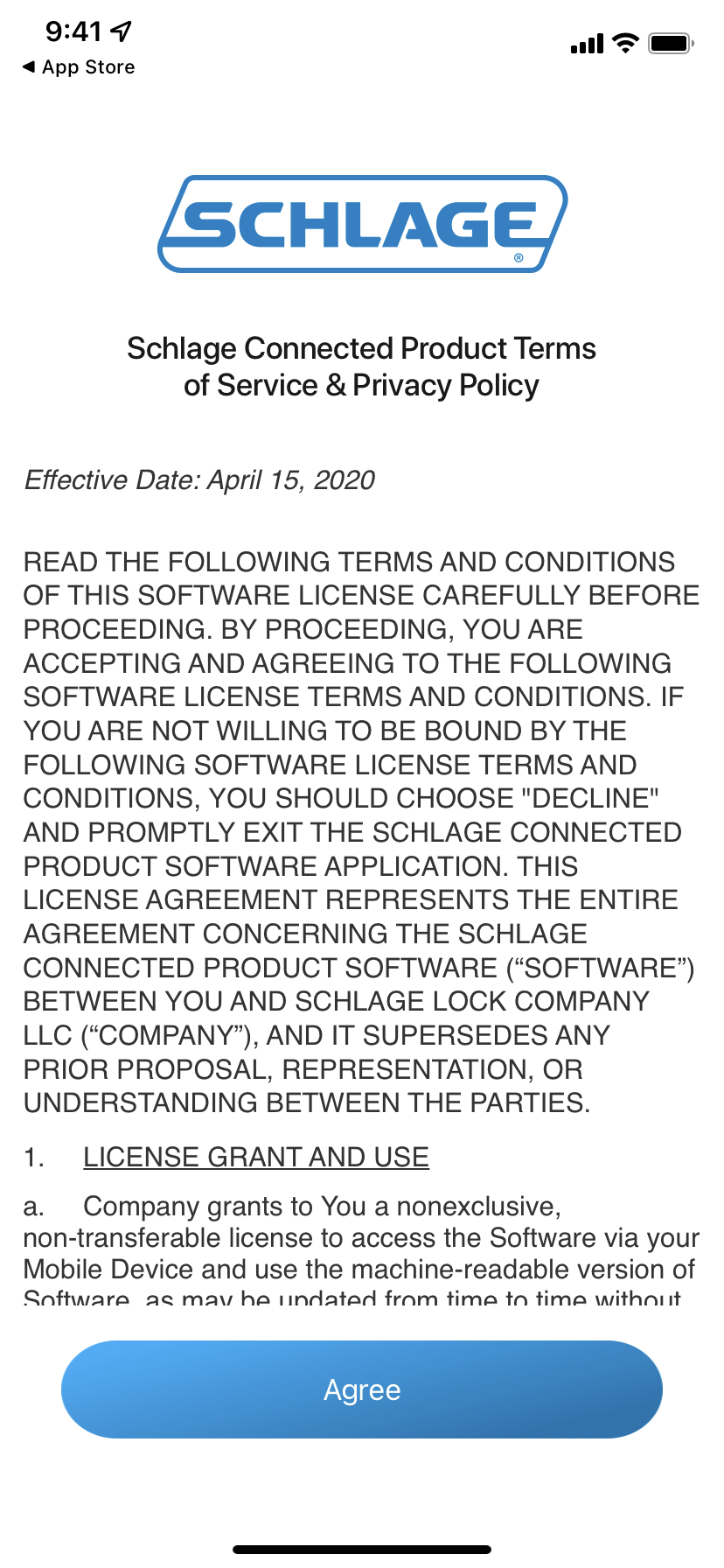
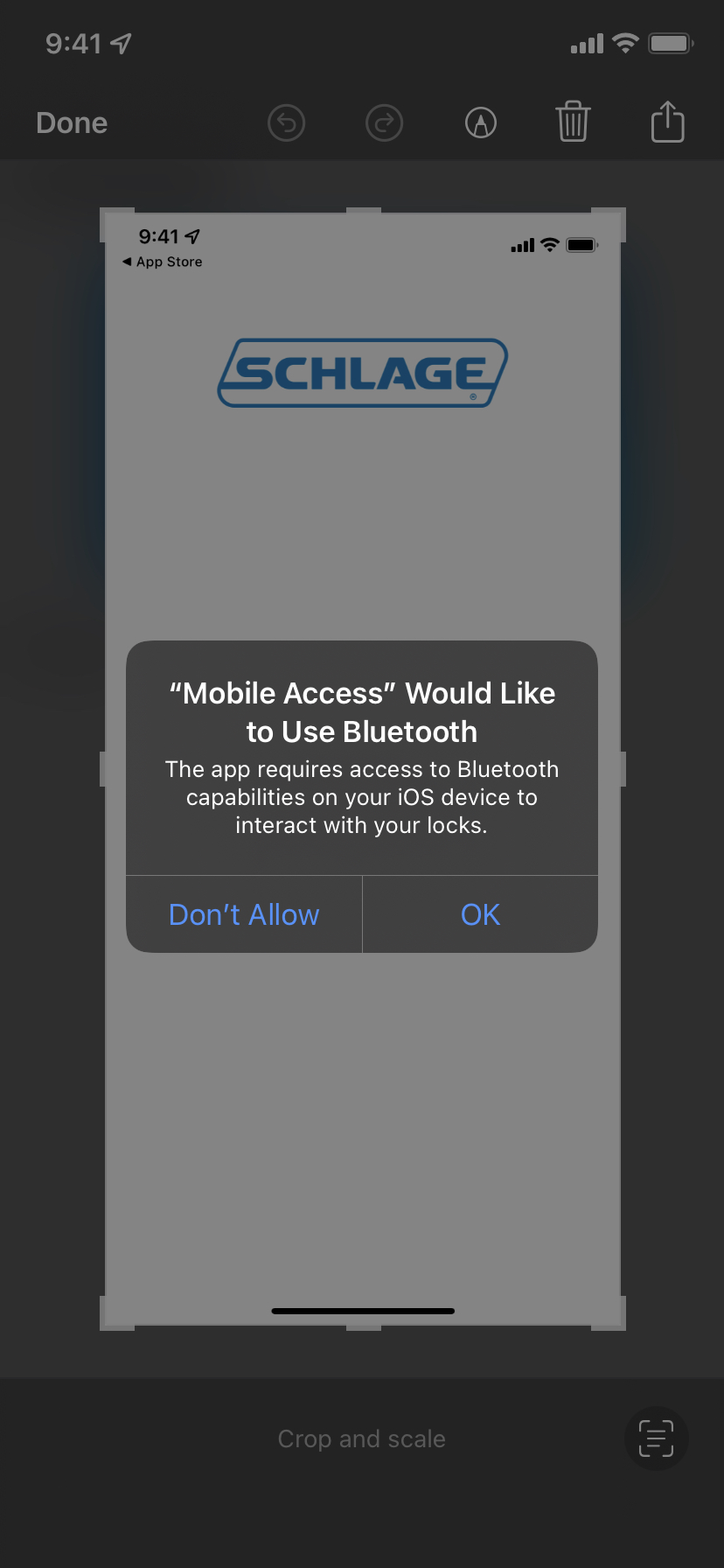
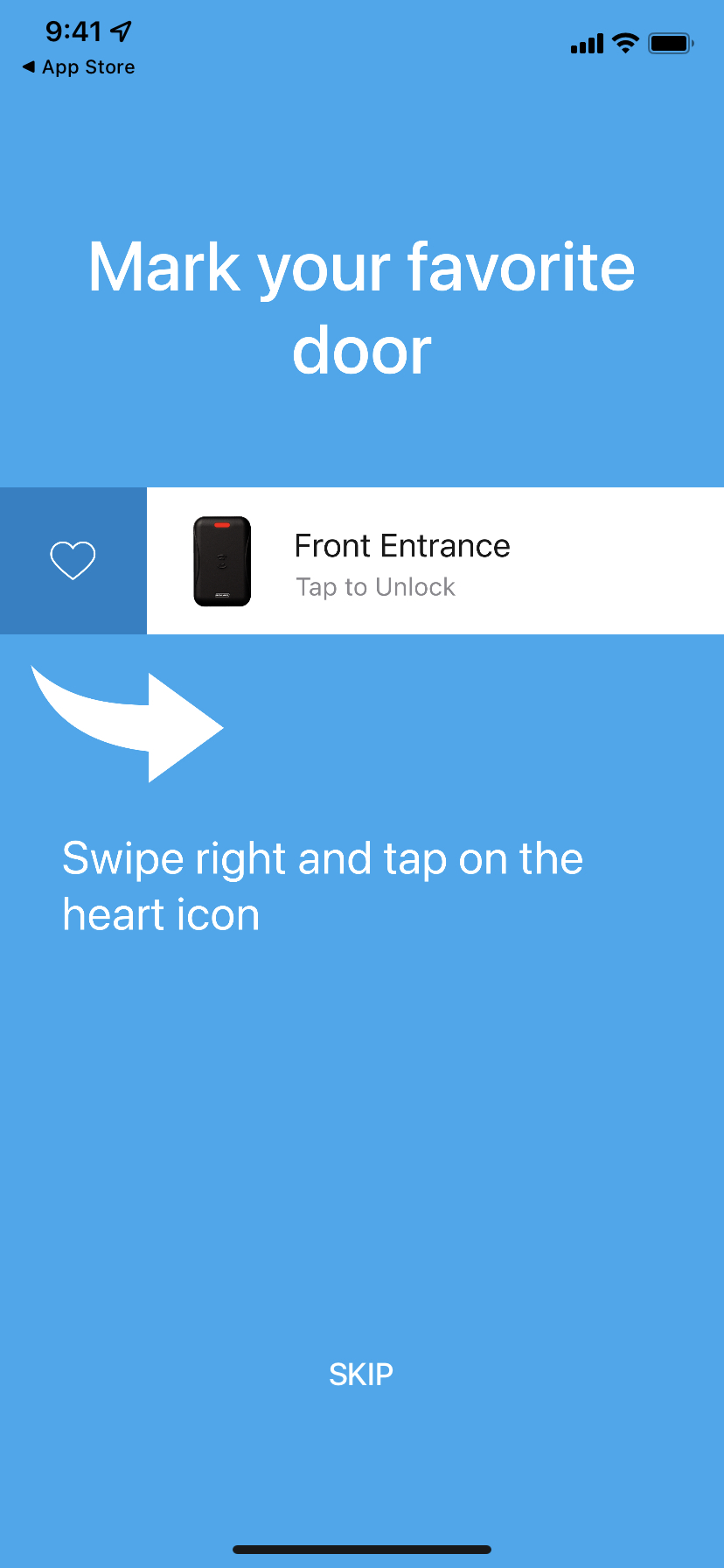
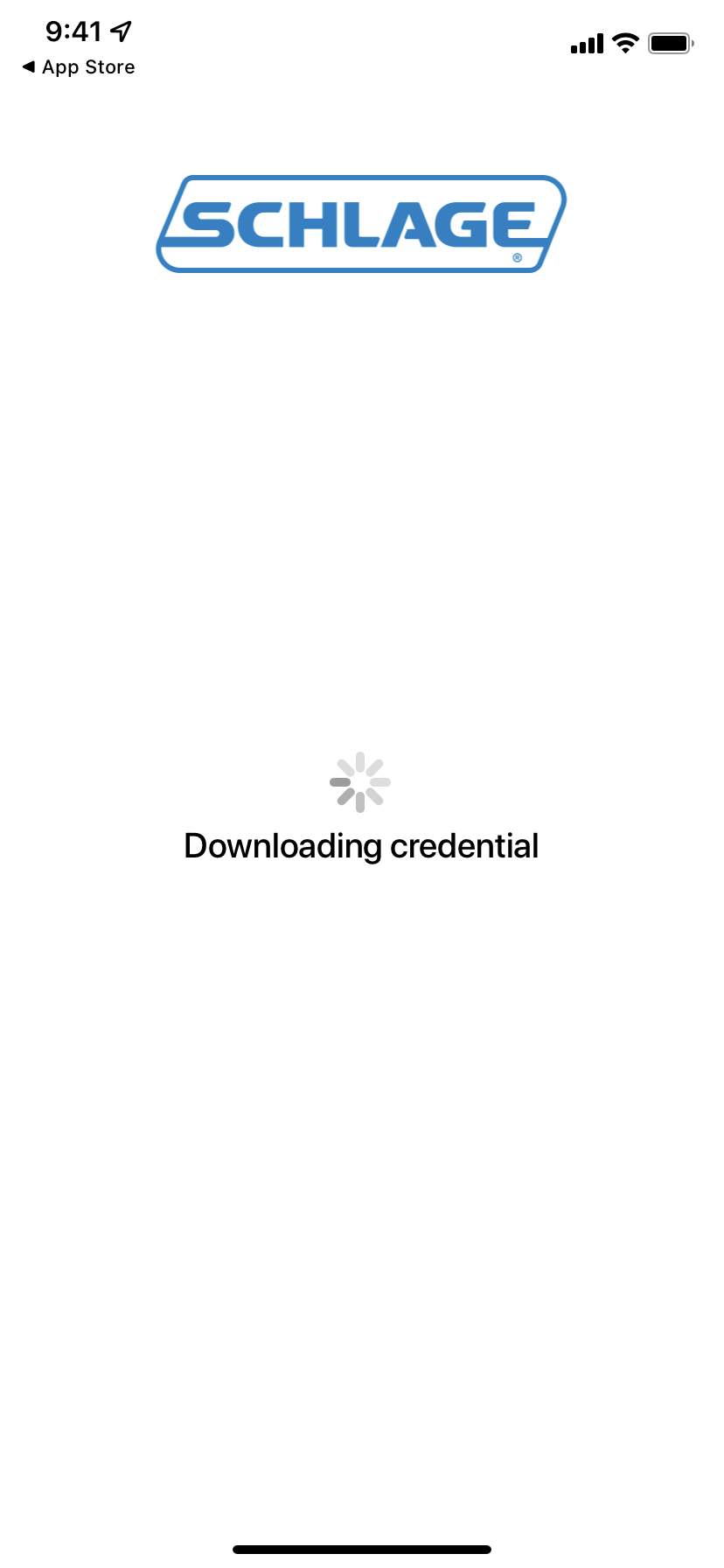
Step 4
Access your key.
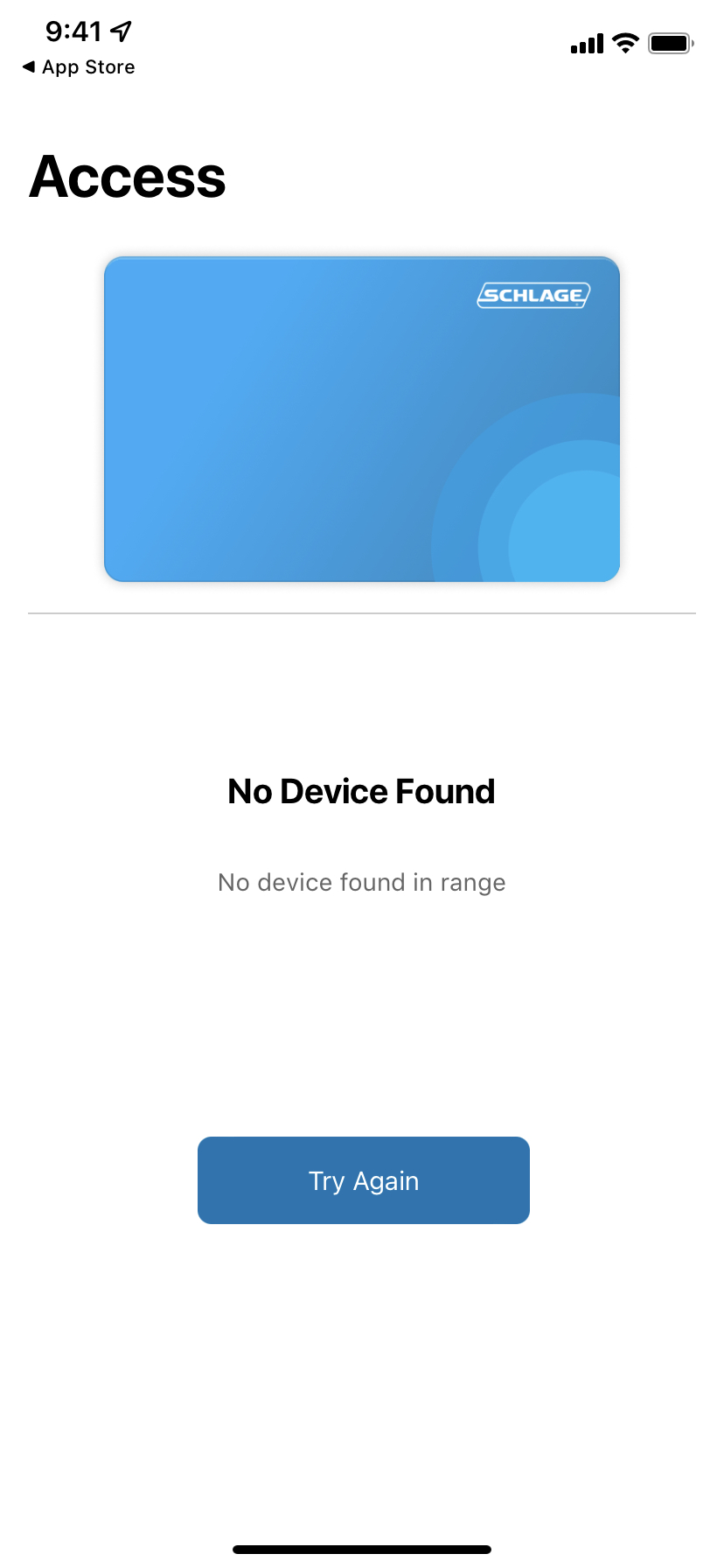
If you are not near the lock the screen will show no locks available.
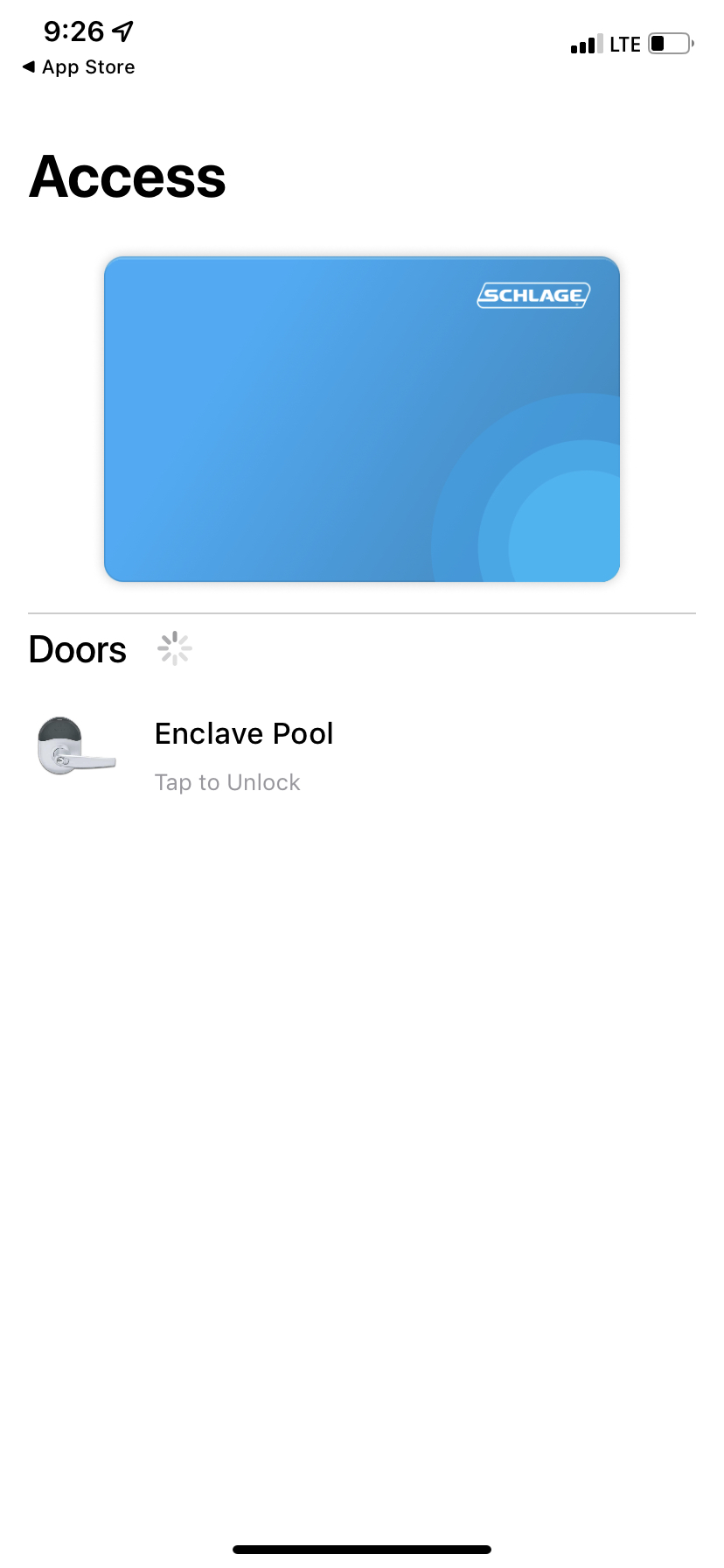
If you are near or have accessed the lock before, it will show the Enclave Pool under the
FAQs
What is the app called?
The app we use for keys is called Mobile Access. Links to each are above in the instructions.
My app was deleted
If Mobile Access was deleted, you can request a replacement key above.
If you need to disable apps from being deleted, here is the iPhone/iOS instructions to disable that: https://www.solveyourtech.com/how-to-stop-my-iphone-from-automatically-uninstalling-apps/
The app is asking me to login
If you open Mobile Access and it prompts you to login with an email address, your key has expired and you need to request a new one.